

Creating a blog is easy. Creating a blog that consistently drives high-quality leads for your business is where strategy matters.
Many businesses publish content that gets traffic but fails to convert. The reason? Their blog is built for visibility, not intent. A lead-driven blog focuses on solving real problems, guiding readers through the decision process, and prompting action at the right moment.
In this guide, you’ll learn exactly how to create a blog that attracts the right audience, earns trust, and converts readers into leads using SEO, Answer Engine Optimization (AEO), and Voice Search Optimization (VSO).
What Makes a Blog Generate Leads Instead of Just Traffic
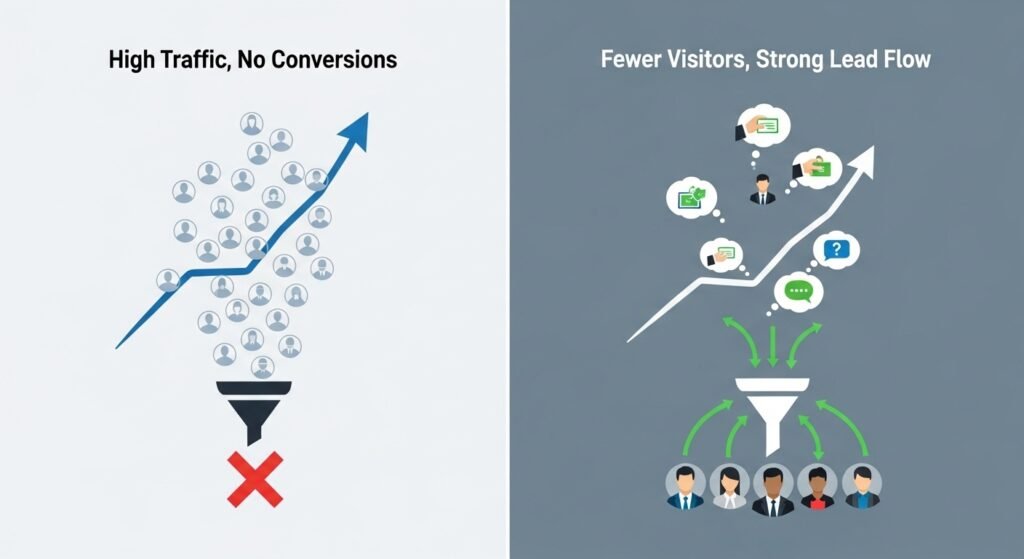
A lead-generating blog is built around user intent, not vanity metrics.
Traffic-only blogs:
- Focus on broad keywords
- Educate without direction
- End with no clear next step
Lead-driven blogs:
- Target problem-aware and solution-aware searches
- Provide direct, actionable answers
- Guide readers toward a logical conversion
Search engines now prioritize content that answers questions clearly and satisfies intent, which is exactly what AEO and voice search favor.
Define Your Ideal Audience and Lead Goal
Before writing a single word, define who the blog is for and what action you want them to take.
Ask yourself:
- Who is my ideal customer?
- What problem are they actively trying to solve?
- What is the best next step for them?
Examples of lead goals:
- Email newsletter signup
- Free consultation request
- Downloadable guide or checklist
- Product demo or trial
Every blog post should support one primary lead goal.
Keyword Research for Lead-Focused Blogging
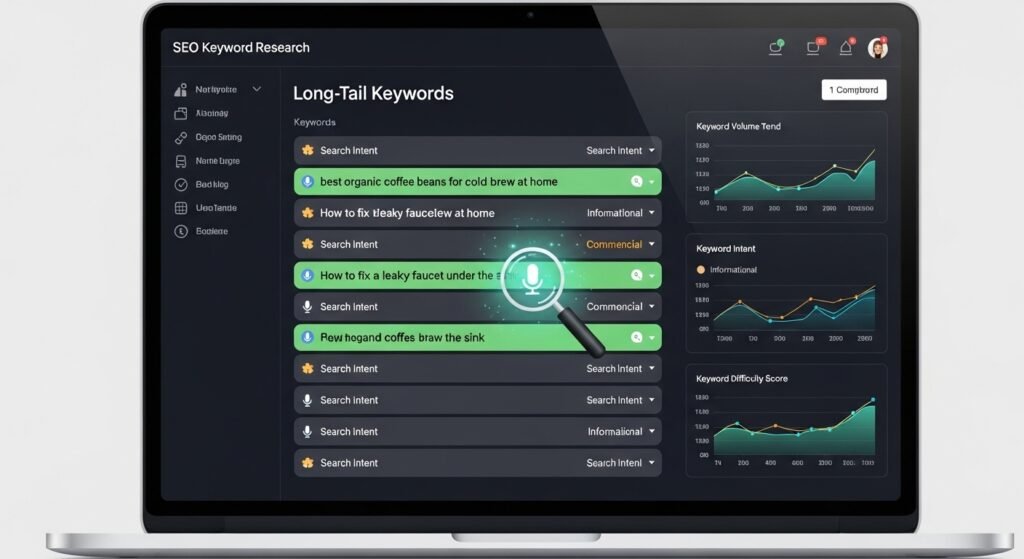
Not all keywords are created equal.
Focus on Intent-Driven Keywords
Prioritize keywords that signal readiness to act, such as:
- “how to”
- “best way to”
- “strategy for”
- “guide to”
These phrases align perfectly with voice search queries and featured snippet results.
Use Long-Tail Keywords for Higher Conversions
Long-tail keywords may have lower volume, but they:
- Attract more qualified readers
- Match conversational voice searches
- Convert at a higher rate
Example:
Instead of “business blog,” target “how to create a blog that generates leads for business.”
Structuring Your Blog for SEO, AEO & Voice Search
Structure matters as much as content.
Use Clear Header Hierarchy
- One H1 for the main topic
- Logical H2 sections
- Supporting H3 subpoints
This helps search engines understand context and helps voice assistants extract answers.
Write Short, Direct Answers
Answer key questions within the first 40–60 words of a section. This increases your chances of appearing in:
- Featured snippets
- People Also Ask results
- Voice search responses
Writing Blog Content That Builds Trust and Authority
Lead generation depends on trust.
To build authority:
- Speak directly to the reader’s problem
- Use clear explanations, not jargon
- Provide practical steps they can apply immediately
Avoid being overly promotional. High-converting blogs educate first and sell second.
How to Add High-Converting Calls-to-Action (CTAs)
CTAs should feel like a natural next step, not an interruption.
Best CTA Placement
- After solving a key problem
- Mid-content for engaged readers
- End of the blog for decision-ready visitors
Match CTA to Intent
- Informational blog → Free guide or checklist
- Comparison blog → Consultation or demo
- Problem-aware blog → Email nurture sequence
Lead Magnets That Work Best With Blog Content
The strongest lead magnets are content upgrades, not generic offers.
High-performing options include:
- Step-by-step guides
- Checklists and templates
- Industry-specific resources
- Mini email courses
Your lead magnet should extend the value of the blog, not distract from it.
On-Page Optimization That Boosts Conversions
Small optimizations compound into big results.
Key elements to optimize:
- Meta titles and descriptions that promise value
- Internal links guiding readers to conversion pages
- Image alt text aligned with search intent
- Fast-loading, mobile-friendly design
These factors support SEO while improving user experience and conversions.
Measuring Blog Performance for Lead Generation
Success isn’t measured by traffic alone.
Track:
- Conversion rate per blog post
- CTA click-through rate
- Leads generated per topic
- Assisted conversions from blog content
Use this data to double down on what converts, not just what ranks.
Common Mistakes That Prevent Blogs From Generating Leads
Avoid these conversion killers:
- Writing without a defined goal
- Targeting keywords with no buyer intent
- Weak or hidden CTAs
- Ignoring voice search optimization
- Publishing content without internal linking
Fixing even one of these can significantly improve lead flow.
Conclusion
A blog that drives high-quality leads isn’t about publishing more content — it’s about publishing strategic content.
When you align:
- Search intent
- Clear structure
- Trust-building content
- Strong CTAs
- SEO, AEO, and voice search optimization
Your blog becomes a 24/7 lead generation engine for your business.
Start with one post, one goal, and one clear action — then scale what works.
FAQ’s
How long does it take for a blog to generate leads?
Most businesses see initial results within 3–6 months when content is optimized for intent and conversions.
How often should businesses publish blog content?
Consistency matters more than frequency. One high-quality, optimized post per week is enough to drive results.
Can small businesses generate leads with blogging?
Yes. Small businesses often outperform larger competitors by targeting specific, high-intent search queries.
What type of blog content converts best?
“How-to” guides, problem-solving posts, and solution comparisons typically generate the most leads.