
When it comes to building a strong online presence, understanding how to create a Business Website Content Calendar (With Examples) can be a total game-changer. Without a plan, content becomes random, inconsistent, and ineffective. But with a well-structured content calendar? You gain clarity, consistency, and real results.
In this comprehensive guide, you’ll learn exactly how to plan, organize, and execute a business website content calendar that drives traffic, improves SEO, and builds authority. Plus, you’ll see practical examples you can copy today.
Let’s dive in.
What Is a Content Calendar?
A content calendar is a planning tool that helps businesses schedule and organize website content in advance. It outlines what to publish, when to publish it, and who is responsible.
Think of it as a roadmap. Instead of scrambling for ideas every week, you know exactly what’s coming next.
Why Every Business Website Needs One
Without a calendar, content becomes reactive. You post when you remember. You write whatever feels urgent. And that’s risky.
A content calendar helps you:
- Stay consistent
- Align with business goals
- Improve SEO rankings
- Reduce last-minute stress
Simply put, if you want long-term growth, learning How to Create a Business Website Content Calendar (With Examples) is essential.
Benefits of Creating a Website Content Calendar
Improved Consistency and Organization
Consistency builds trust. When visitors see regular updates, they view your website as active and reliable.
A calendar ensures:
- Weekly blog posts go live on schedule
- Seasonal campaigns are planned early
- Product launches are supported with content
Better SEO and Keyword Strategy
Planning allows you to target keywords strategically instead of randomly.
For example:
- Month 1: Informational keywords
- Month 2: Comparison content
- Month 3: Conversion-focused landing pages
This structure strengthens your SEO performance. Tools like Google Keyword Planner (https://ads.google.com/home/tools/keyword-planner/) can help you identify search terms your audience uses.
Increased Team Collaboration
If multiple people work on content, chaos happens fast without a calendar.
A shared calendar helps teams:
- Avoid duplicate topics
- Track deadlines
- Assign clear roles
Step 1: Define Your Content Goals

Before planning content, ask yourself: What do we want to achieve?
Traffic, Leads, or Brand Awareness?
Common goals include:
- Increasing website traffic
- Generating leads
- Educating customers
- Supporting sales
- Improving SEO rankings
Your calendar should reflect these goals. For example, if lead generation is your focus, include:
- Downloadable guides
- Case studies
- Conversion-optimized landing pages
Step 2: Identify Your Target Audience

You can’t create strong content without knowing who it’s for.
Creating Customer Personas
A customer persona includes:
- Age
- Job title
- Pain points
- Goals
- Buying behavior
Example Persona:
| Attribute | Details |
| Name | Marketing Manager Mary |
| Goal | Increase company visibility |
| Challenge | Limited budget |
| Searches | Affordable marketing strategies |
When you plan topics around real personas, your content becomes more focused and valuable.
Step 3: Perform Keyword Research
Keyword research is the backbone of your calendar.
Using SEO Tools Effectively
Use tools like:
- Google Keyword Planner
- Ubersuggest
- Ahrefs
- SEMrush
Look for:
- Search volume
- Keyword difficulty
- User intent
Group keywords into themes and assign them to specific months.
Step 4: Audit Your Existing Content

Before creating new content, evaluate what you already have.
Identify Gaps and Opportunities
Ask:
- Which pages rank well?
- Which topics are missing?
- What needs updating?
If you already have beginner guides, maybe it’s time to create advanced content.
Step 5: Choose Content Types
Different goals require different formats.
Blogs, Case Studies, Landing Pages
Common website content types:
- Blog posts
- Service pages
- FAQs
- Case studies
- Whitepapers
- Tutorials
- Videos
- Infographics
Diversify to keep your audience engaged.
Step 6: Select Publishing Frequency
Be realistic.
If you can only create two high-quality posts per month, that’s fine. Consistency matters more than volume.
Typical schedules:
- 1–2 blog posts per week
- Monthly long-form guides
- Quarterly major campaigns
Step 7: Pick a Content Calendar Tool
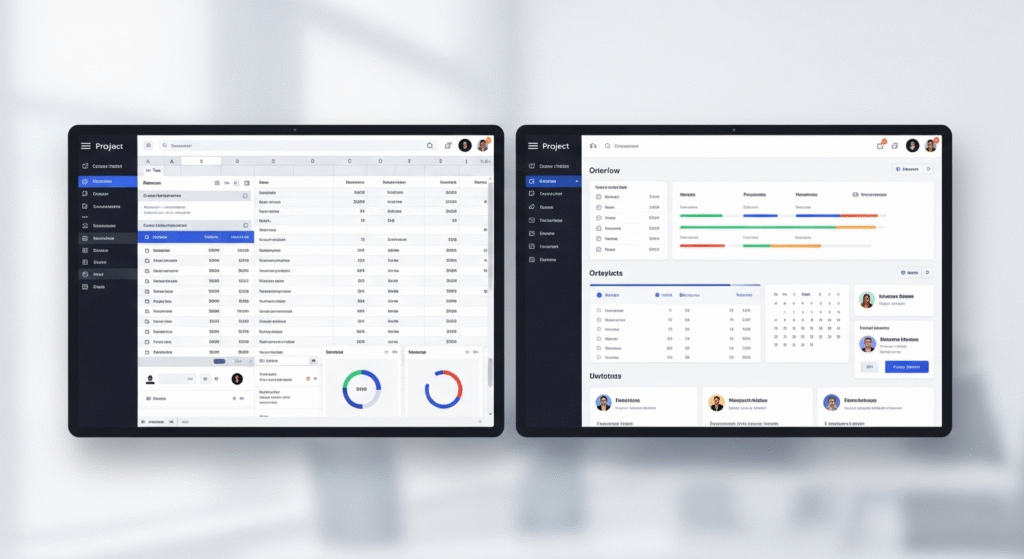
You don’t need fancy software.
Spreadsheets vs. Project Management Tools
Options include:
- Google Sheets
- Trello
- Asana
- Notion
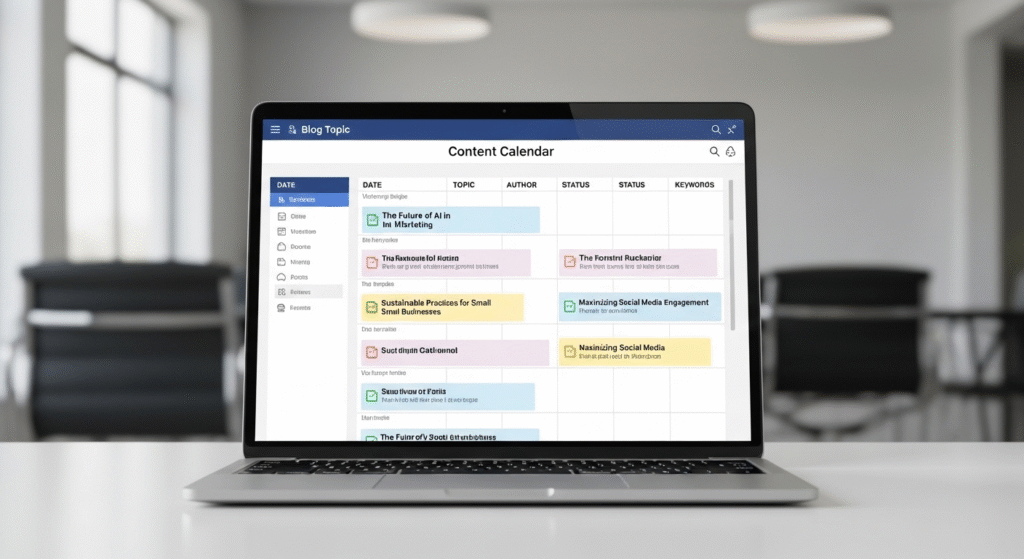
A simple spreadsheet might include:
| Publish Date | Topic | Keyword | Author | Status |
Keep it simple but organized.
Step 8: Map Content to the Buyer’s Journey
The buyer’s journey has three stages:
- Awareness
- Consideration
- Decision
Your calendar should include content for all three.
Example:
- Awareness: “What Is Digital Marketing?”
- Consideration: “Best Digital Marketing Tools”
- Decision: “Why Choose Our Agency?”
Step 9: Assign Responsibilities
Clearly define:
- Writer
- Editor
- SEO reviewer
- Publisher
Accountability prevents delays.
Step 10: Set Deadlines and Milestones
Work backward from publish dates.
Example timeline:
- Draft: 10 days before publication
- Edit: 7 days before
- SEO optimization: 5 days before
- Final review: 2 days before
Step 11: Track Performance Metrics
You can’t improve what you don’t measure.
Track:
- Organic traffic
- Bounce rate
- Conversion rate
- Time on page
- Keyword rankings
Review performance monthly.
Step 12: Adjust and Optimize
Content calendars are living documents.
If certain topics perform well, create related content.
If something fails, adjust your strategy.
That’s how you master How to Create a Business Website Content Calendar (With Examples) over time.
Business Website Content Calendar Examples
Example 1: Small Local Business
Month 1:
- Blog: “5 Signs You Need Plumbing Repair”
- Service Page Update
- FAQ Expansion
Example 2: E-commerce Website
Month 1:
- Product Buying Guide
- Seasonal Promotion Landing Page
- Comparison Blog Post
Example 3: B2B Service Provider
Month 1:
- Industry Trend Report
- Case Study
- Lead Magnet Landing Page
Common Mistakes to Avoid
- Publishing without strategy
- Ignoring SEO
- Skipping analytics
- Overloading your schedule
- Failing to update old content
Frequently Asked Questions (FAQs)
1. How far in advance should I plan a content calendar?
Most businesses plan 3–6 months ahead.
2. What’s the best tool for a content calendar?
Google Sheets works well for small teams. Larger teams may prefer project management tools.
3. How often should I update my calendar?
Review monthly and adjust quarterly.
4. Should small businesses use content calendars?
Absolutely. They help maximize limited resources.
5. Can I automate my content calendar?
You can automate reminders and scheduling, but the strategy still requires human input.
6. What if I miss a publishing deadline?
Adjust the schedule and improve your workflow. Don’t panic.
Conclusion
Learning how to create a Business Website Content Calendar (With Examples) isn’t complicated, but it requires intention and consistency.
By defining goals, researching keywords, planning strategically, and tracking performance, you turn random content into a powerful growth engine.
Start simple. Stay consistent. Measure results. Improve continuously.
And before you know it, your website won’t just exist, it will thrive.